Logging and log messages
ImageMaster Messaging Service & extensions
Logging and detailization can be configured in the System Configuration section of the ImageMaster WebClient. Below you can find the modules with the package names you can activate to get more detailed log messages from the application. The packages are located on the server. Log messages will be written to the ImageMaster.log file.
|
Module |
Package |
|---|---|
|
Main packages |
|
|
SAP Extensions |
com.tsystems.ima.alc.contsrv.extension.ExtensionName |
|
SAP Messenger |
com.tsystems.ima.alc.contsrv.SAP Messenger |
|
SAP Messenger WebService |
com.tsystems.ima.alc.contsrv.SAP Messengerws |
|
Submodule packages |
|
|
Service Processor |
com.tsystems.ima.alc.contsrv.SAP Messenger.core |
|
SAP Backend |
com.tsystems.ima.alc.contsrv.SAP Messenger.sapbackend |
|
Table 282: Logging packages |
|
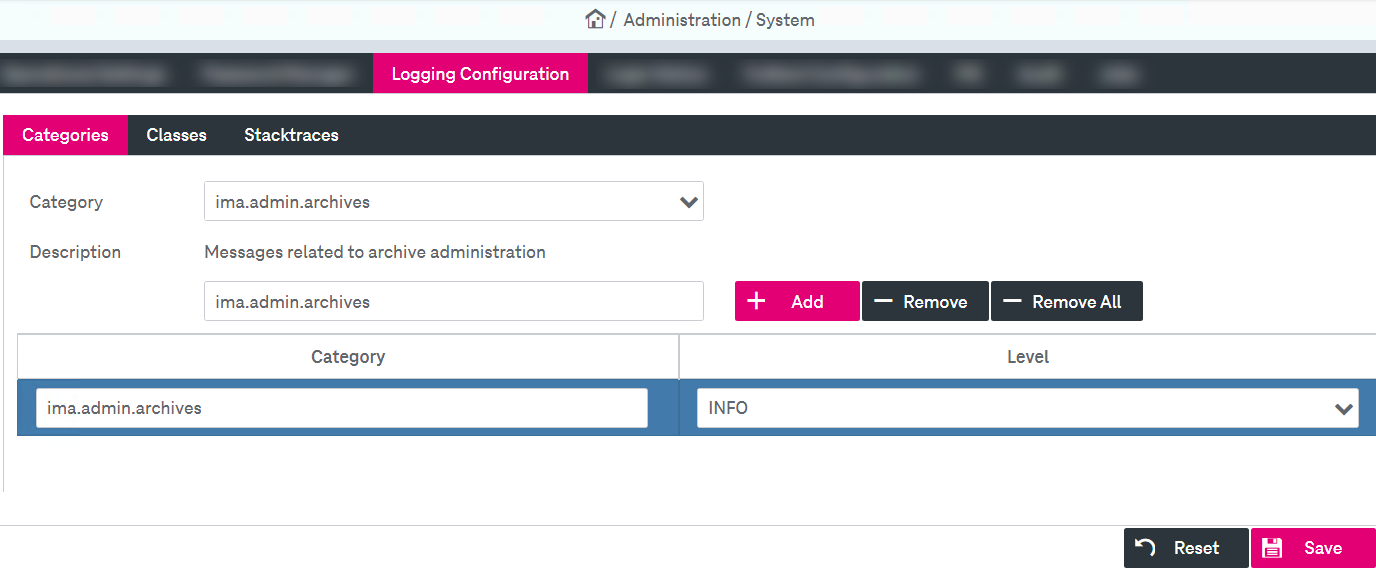
Figure 571: ImageMaster logging configuration