Individual report preview
The creation of a report opens a new tab with the name of the report. After triggering the creation, the ongoing activity is immediately indicated by a progress icon. You can abort the process before it is finished via Cancel Report Generation. As soon as the report creation is finished, a preview of its outcome is displayed as a list.
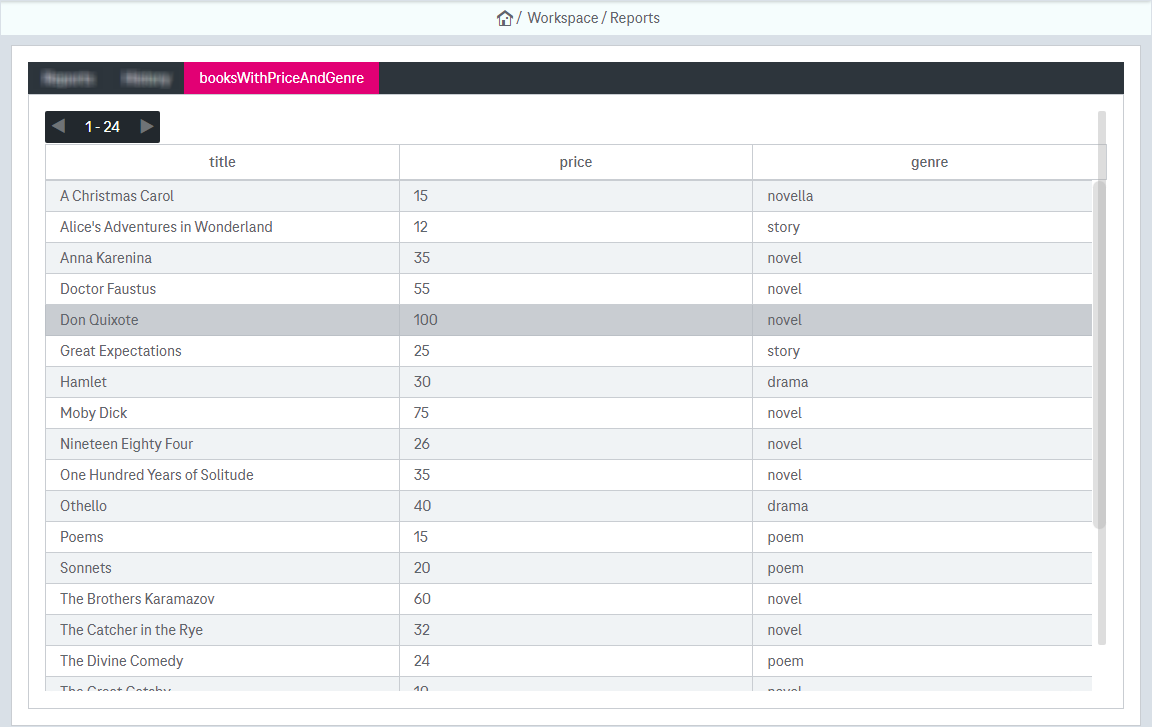
Figure 1195: Reports – preview as list
You can abort the report compilation if it takes too much time by clicking the button Cancel Report Generation.
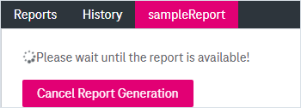
Figure 1196: Reports – report preview: cancel generation