Configuration in the ImageMaster 9 AdminClient
Configure the following options, where related information about the directories and URLs is also given in the previous chapters:
-
Set the “Shared Viewer Directory” to the model repository network share that is used.
-
Set the internal URL (backend) and external URL (viewer) each with the port and host name of the WebViewer server.
Both settings are also reflected in the Configuration of the WebViewer server component.
-
Specify the file types that the viewer requires to display the geometry.
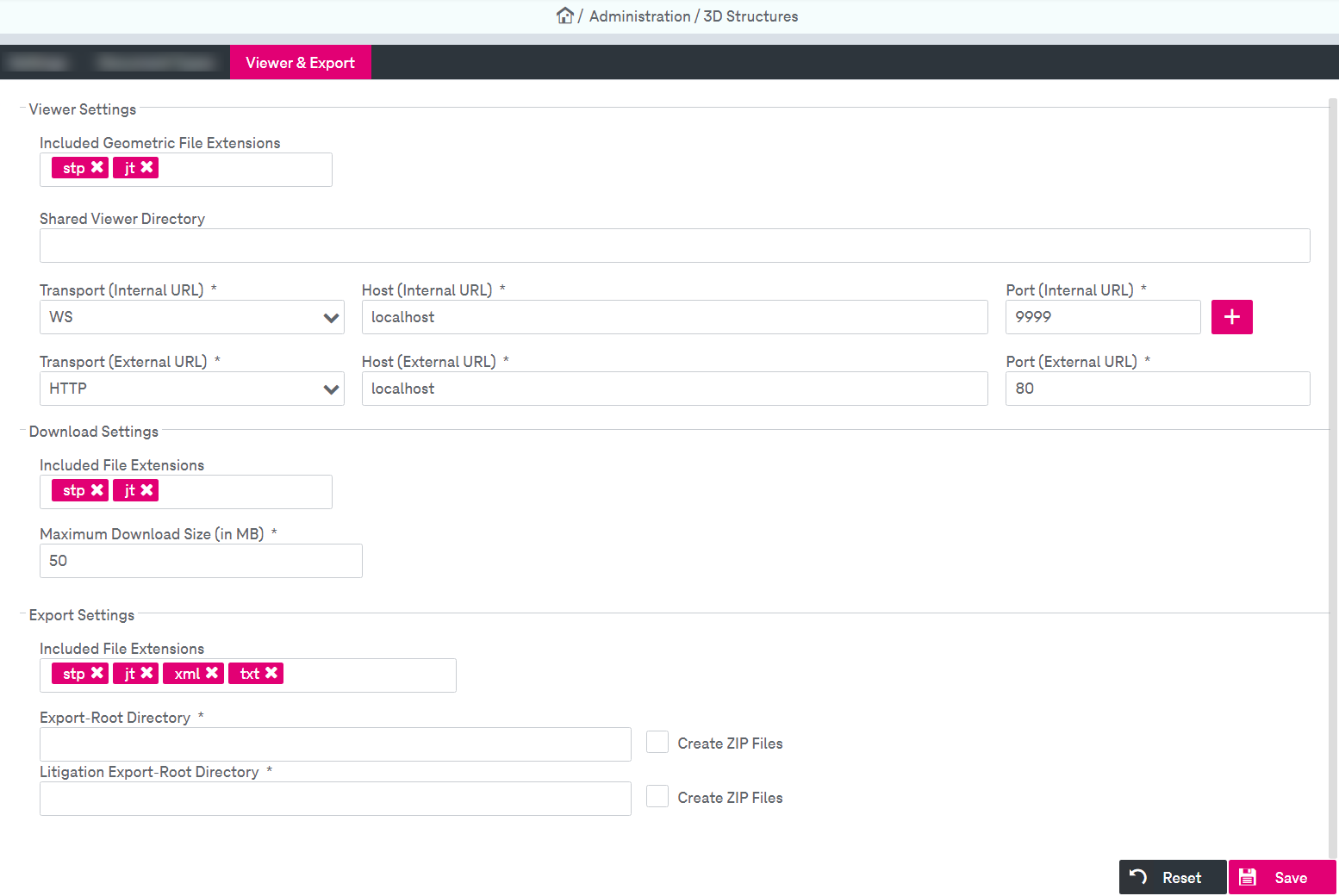
Figure 814: 3D viewer configuration
The other 3D-related configuration settings in the AdminClient [UM AdminClient]