The Customer Trust List tab allows managing customized trust lists. Own signed trust lists can be uploaded. If a trust list already exists, this will be detected.
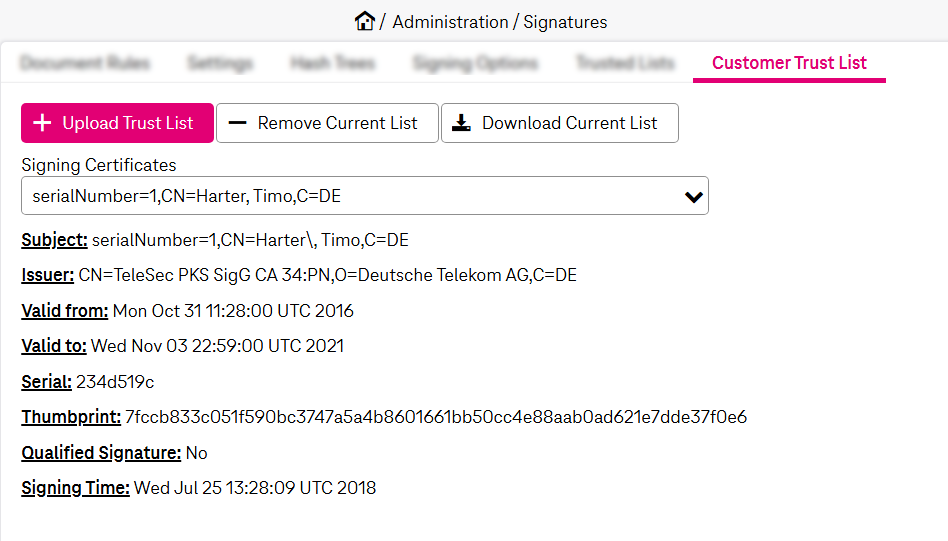
Figure 198: Signatures – customer trust list
To add / delete a trust list
-
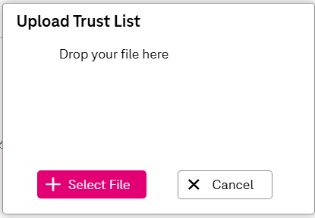
Click Upload Trust List. The overlay window appears:
-
Upload the list by dropping it or using Select File.
The list must be in .pkcs7 format. On success, the information from the list will be added.
The Signing Certificates field displays the available signing certificates for the current list.
-
To remove a customer list from the configuration, click Remove Current List and confirm.
-
Click Save. The current configuration will be saved.
To download a trust list
-
It is possible to download the currently configured trust list to your local machine.
-
Click Download Trust List. Depending on your browser settings, the file may either be downloaded directly to the downloads folder or a dialog may appear prompting you to choose a destination folder.and select the folder where to store this.
The list will be store in .pkcs7 format.