Shortcuts give you quick access to different menu items in the document and hit list view. The shortcuts are displayed in front of the menu entry. For the hit list and document menu, you can define the Maximum Amount of Shortcuts. By default up to 5 shortcuts can be set and there is no upper limit defined.
The system default values are overridden if at least one personal shortcut is selected in the tree. In case no shortcuts are selected in the list below, no shortcuts are configured in the user’s view.
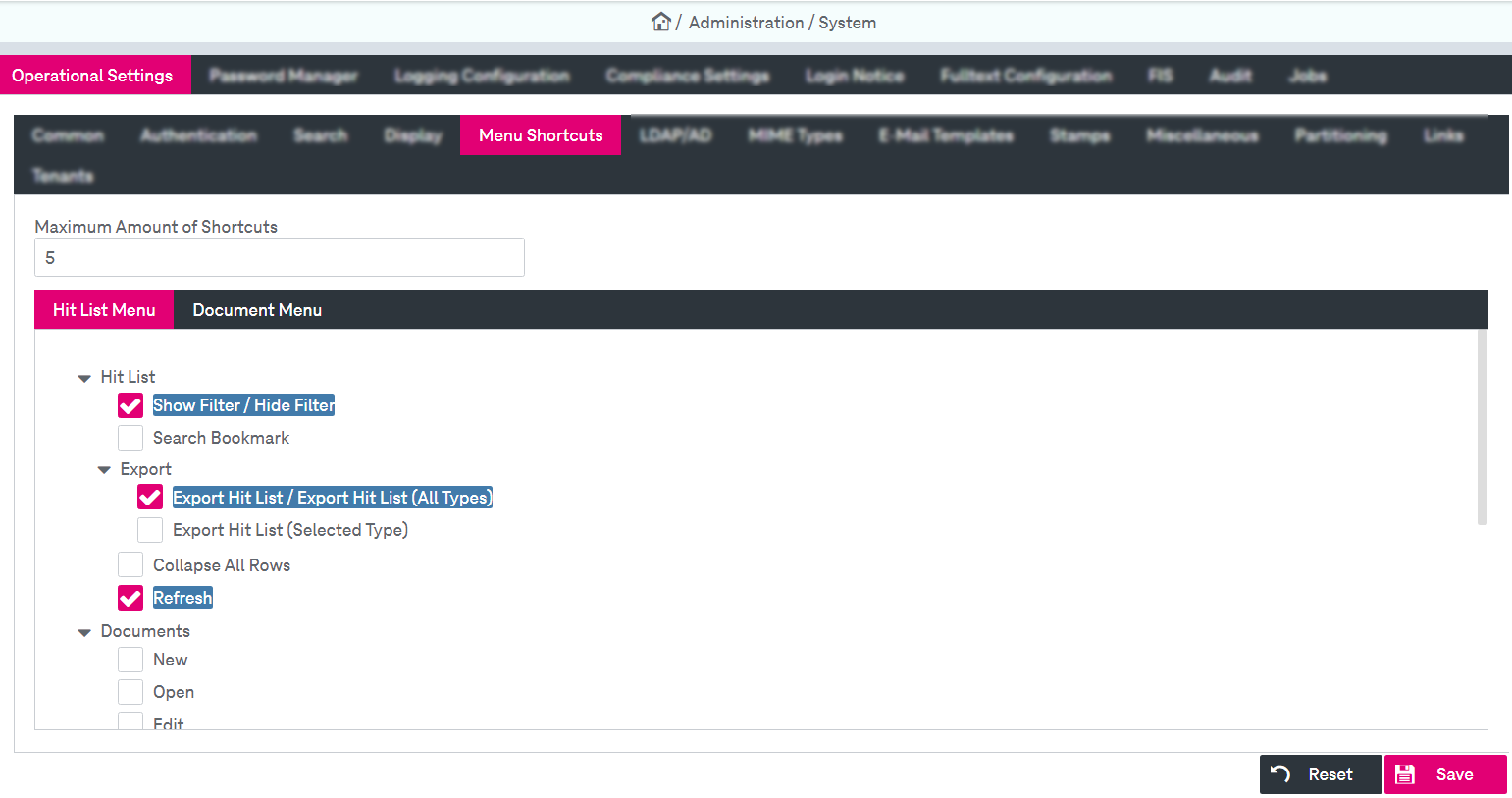
Figure 29: System – operational settings: menu shortcuts
The system shortcuts are configured for all users. The personal shortcuts for the currently logged in user can be configured in the user profile settings (Modifying the user profile) depending on the user's permissions so some functionality can be disabled or not visible. For related information see chapter Editing user information in [UM WorkplaceClient].